Frustrated with your scheduling? Try the easiest-to-use calendar app, made by and for maid service owners.

It’s 7 a.m. Your phone buzzes. A client needs to cancel today’s 10 a.m. deep clean because her kid is home sick. Now you have a cleaner with an open slot, a hole in today’s revenue, and a schedule to rework before the team heads out.
This is a common scenario in the cleaning business: clients cancel, push back, or ask to move their cleaning to a new day. You can’t stop these last-minute changes — life happens — but you can control how much they cost you.
In this guide, we’ll cover three ways to handle schedule changes without losing your morning or your margins.
The Real Cost of a Last-Minute Cancellation
A canceled cleaning ultimately costs you more than the price of that one job. Your team, your schedule, and your week are all affected, and the adjustments you make in the wake of a cancellation can sometimes echo across the whole month.
These are some of the biggest impacts of a last-minute cancellation:
- Lost revenue: If you don’t fill the slot, that money is gone for good
- Paid downtime: If you pay your cleaners hourly, you may still owe them for time they can’t work, which amounts to a loss for the business
- Wasted drive time: Routes built around the canceled home may no longer make sense, and you’ll have to sink time into rebuilding them
- Admin time: Someone has to call, text, and update the schedule. Usually this is you, which means you’ll have to handle this on top of your normal duties
- Team frustration: If last-minute cancellations happen frequently, cleaners may start looking for work that’s more reliable to maintain steady income
Let’s look into the actual cost, in numbers. Say your average cleaning is $150 and you get two last-minute cancellations a week that you can’t fill. You end up sacrificing $300 a week, or $15,600 a year, if this becomes consistent.
As we said earlier, there will always be cancellations. Things happen — life happens — so it’s not reasonable to think you’ll get that number to zero. But a few systems can shrink it, and keep more money flowing through your business.
How to Automate Last-Minute Change Handling
If you can’t avoid reschedules and late cancellations by controlling client behavior, the next best thing you can do is encourage them to tell you they need to cancel as soon as they can. Automated appointment reminders help clients remember their cleaning appointments, speak up early, and keep your team in the loop when plans shift.
Send reminders that give clients time to act
Many late cancellations happen because a client forgot about their appointment. Sending them a reminder two days out gives them ample time to tell you about a conflict while you can still fill the slot.
A solid reminder sequence looks like this:
- Booking confirmation: Sent right away, with the date, arrival window, price, and your cancellation policy
- 48-hour reminder: Sent two days before, with a simple way to reach you if plans change
- Day-before text: A short heads-up that asks clients to prep the home, like clearing counters, securing pets, or double-checking lockboxes
- On-the-way text: Lets the client know your cleaner is headed over
ZenMaid automatically sends booking confirmations via email and text, as well as appointment reminders and on-the-way texts for every appointment on your calendar. For recurring clients, reminders are built from their recurring schedule, so nobody falls through the cracks.

Notify your team the moment plans change
When a client cancels, it’s up to you to let your cleaner know as soon as possible. If you’ve already implemented automated client reminders, the next step is setting up automatic email and text alerts for cleaners based on the same triggers.
In ZenMaid, you can notify your cleaners about canceled appointments by email and text. That cuts out the phone tag and gives your team time to plan. Especially when you know about a cancellation in advance, you can reschedule cleaners to other jobs, which helps everyone maintain business as usual.

Make schedule changes fast on your end
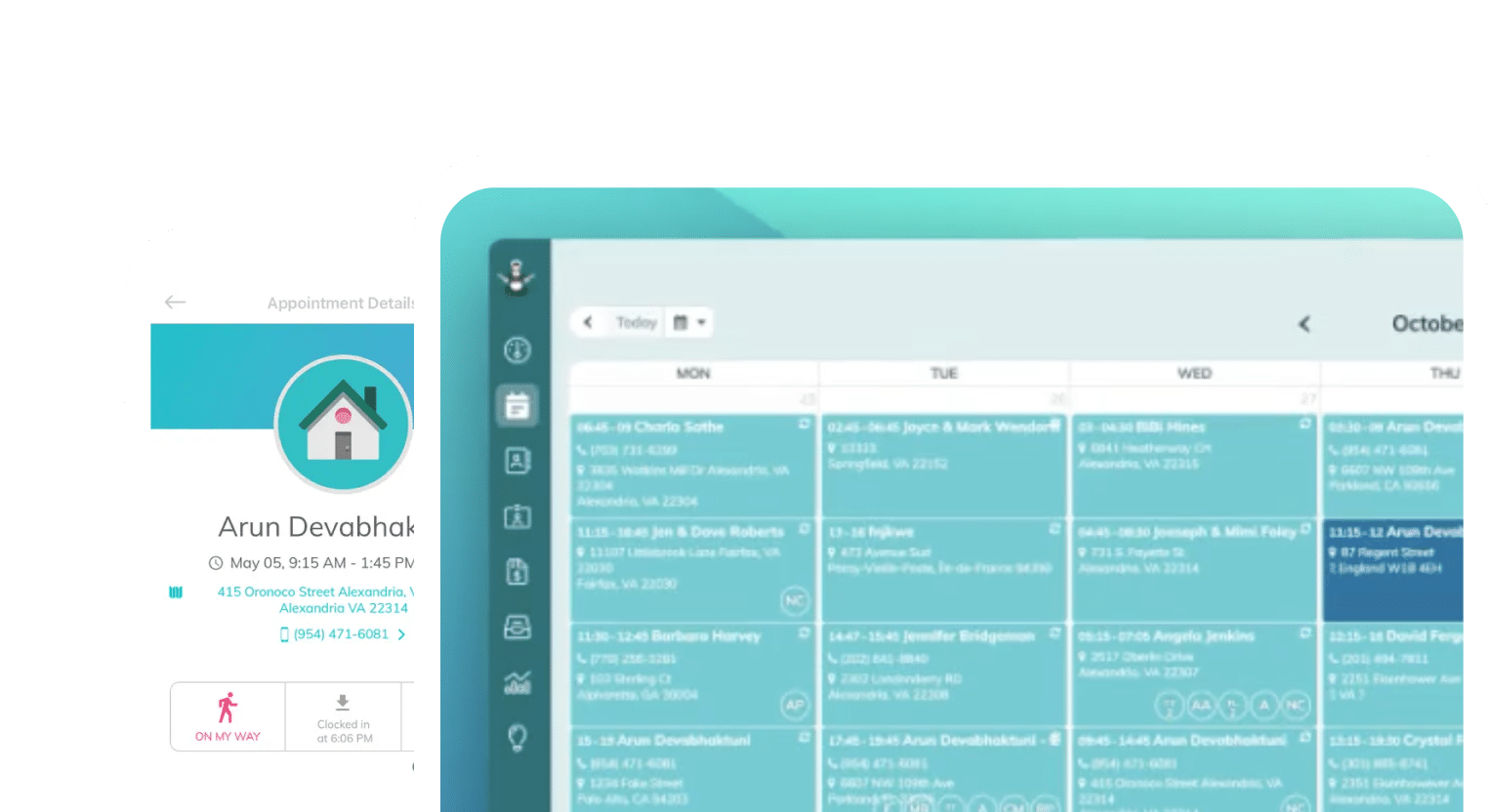
When a client does need to move their appointment, you want to reschedule them as fast as possible. With ZenMaid, you can drag and drop an appointment to a new time. Using the spot-finder tool, you can easily pair the appointment with the same cleaner based on their schedule, or find another cleaner to cover the job quickly.
You can also choose whether the change applies to future recurring visits, cancel a single visit in a recurring series, or cancel every appointment on a day in bulk, which comes in handy on snow days or when someone calls out sick.
[Feature callout: Drag-and-drop rescheduling — verify current UI and recurring-change options before publishing]
How to Build a Cancellation Waitlist That Fills Open Slots
Now that everyone, from cleaners to clients, has been informed of a cancellation, you need to fill the open slot in their calendar. Cleaners expect this, especially when they’re paid hourly, to maintain their usual income.
On top of this, clients on a waitlist will happily take an earlier or extra cleaning when a spot opens up. When you’re busy, a waitlist might seem like overkill, but maintaining one will pay for itself quickly when you can pull up later clients and fill all of your billable hours.
While ZenMaid doesn’t offer a built-in cancellation waitlist, it’s easy to maintain one yourself using Google Sheets or a handwritten list (though we recommend digital lists so you don’t have to keep track of paper). We’ll dive into how to build one in the next couple of sections.
Who belongs on your waitlist?
It might not be the best idea to open your waitlist to everyone right away. The best waitlist clients are flexible and easy to reach — usually these include:
- New leads: People who wanted a date you couldn’t offer when they first booked
- Clients who asked to move up: Anyone who said, “Let me know if something opens sooner”
- Flexible recurring clients: Folks who work from home or don’t mind a schedule swap
When you add someone to the list, note the days, times, and service they want. Also note what part of town they live in — a client that’s five miles from the slot you want to fill is a much better fit than one 30 miles away.
How to run your waitlist
Keep it simple! Making your waitlist complicated is only going to make you want to use it less. A solid waitlist process is one that can be accessed quickly by you and your clients.
Here’s what we suggest for starting your waitlist:
- Ask at booking: When a client can’t get their first choice, ask if they’d like to hear about earlier openings. Include a link to your waitlist if that’s applicable, and clients can add themselves to it
- Tag or note waitlist clients in ZenMaid: Keep them in one spot, like a spreadsheet, so you can find them fast. You can also tag them as waitlist clients using custom fields in ZenMaid
- Reach out in order: Text the best match first, based on location, service, and how long they’ve waited — don’t just go down a list
- Set a reply window: Give each client a short window to accept the appointment, like 30 minutes, before moving to the next name. Make sure your outreach message lets clients know they have 30 minutes to reply
- Confirm and update: Once someone says yes, book the cleaning in ZenMaid to send a confirmation right away
Make the offer worth a yes
A client who gets a same-day text may need a little nudge. A small perk can help, such as a free add-on like inside the fridge or a modest discount for short-notice bookings. Keep it consistent so clients know what to expect.
Even filling one canceled slot a week can win you back thousands of dollars a year. Using the $150 example from above, you can recover $7,800 annually this way.
A Better Approach: Easy for Clients, Controlled by You
Clients want changes to be easy, but you also need changes to make sense for your team. Guided rescheduling gives you control over both: clients can reach you in seconds, and you decide where the cleaning lands.
That’s why ZenMaid doesn’t offer full self-service scheduling. Instead, it gives you the tools to respond fast while keeping you in charge of the calendar.
| Full self-service | Guided rescheduling | |
| Who picks the new time | Client | You, with the client’s input |
| Drive time and routes | Ignored | Planned by you |
| Job length | Often wrong | Matched to the service |
| Cleaner assignment | Whoever is open | The right cleaner for the home |
| Cancellation policy | Hard to enforce | Applied every time |
| Chance to save the booking | None | Every request opens a conversation |
How guided rescheduling works
- Make it easy to ask: Include a clear way to reach you — a reply-to email, phone number or text line — in every confirmation and reminder
- Respond fast: Reply with two or three open times that fit your routes and your cleaner’s schedule
- Move it in seconds: Drag and drop the appointment in ZenMaid and choose whether future recurring visits should move too
- Let automation do the rest: The client gets an updated confirmation, and your cleaner gets notified about the change in their schedule
- Backfill the old slot: Go to your waitlist and offer the opening

New bookings work the same way
The same idea applies to new clients. With ZenMaid booking forms, clients can share their details, home size, and preferred times online. You then place the job where it fits best.
Every booking needs approval from you before it’s confirmed. This works in your favor for two reasons: cleaners get efficient schedules, and you maximize billable hours.
Save the booking before it’s gone
Every reschedule request is a chance to keep the cleaning. A real reply from you means you have a higher chance of turning “I need to cancel” into “Sure, Friday works.” Self-service tools skip that step entirely.
Set a Cancellation Policy That Backs It All Up
Automation, waitlists, and guided rescheduling work best with a clear cancellation policy behind them. Your policy tells clients what to expect and protects your team’s time.
A good cancellation policy covers:
- Notice window: How much notice clients need to give, like 48 hours
- Fees: What you charge for late cancellations or lockouts, such as a flat fee or a percentage of the cleaning price
- Exceptions: How you handle emergencies, illness, or bad weather
- Lockout rules: What happens if your team can’t get into the home
- Where it lives: On your website, in your booking form and in every confirmation
Apply your policy the same way every time. If you waive a fee, tell the client it’s a one-time courtesy so it doesn’t become the new normal.
Take Control of Last-Minute Changes
Last-minute changes are part of running a cleaning business, but they don’t have to wreck your day or your bottom line.
Use automated reminders so clients speak up early. Keep a waitlist so open slots get filled. And keep yourself in charge of the calendar so every change fits your routes, your team, and your clients’ homes.
Start your free ZenMaid trial and see how much easier schedule changes can be.