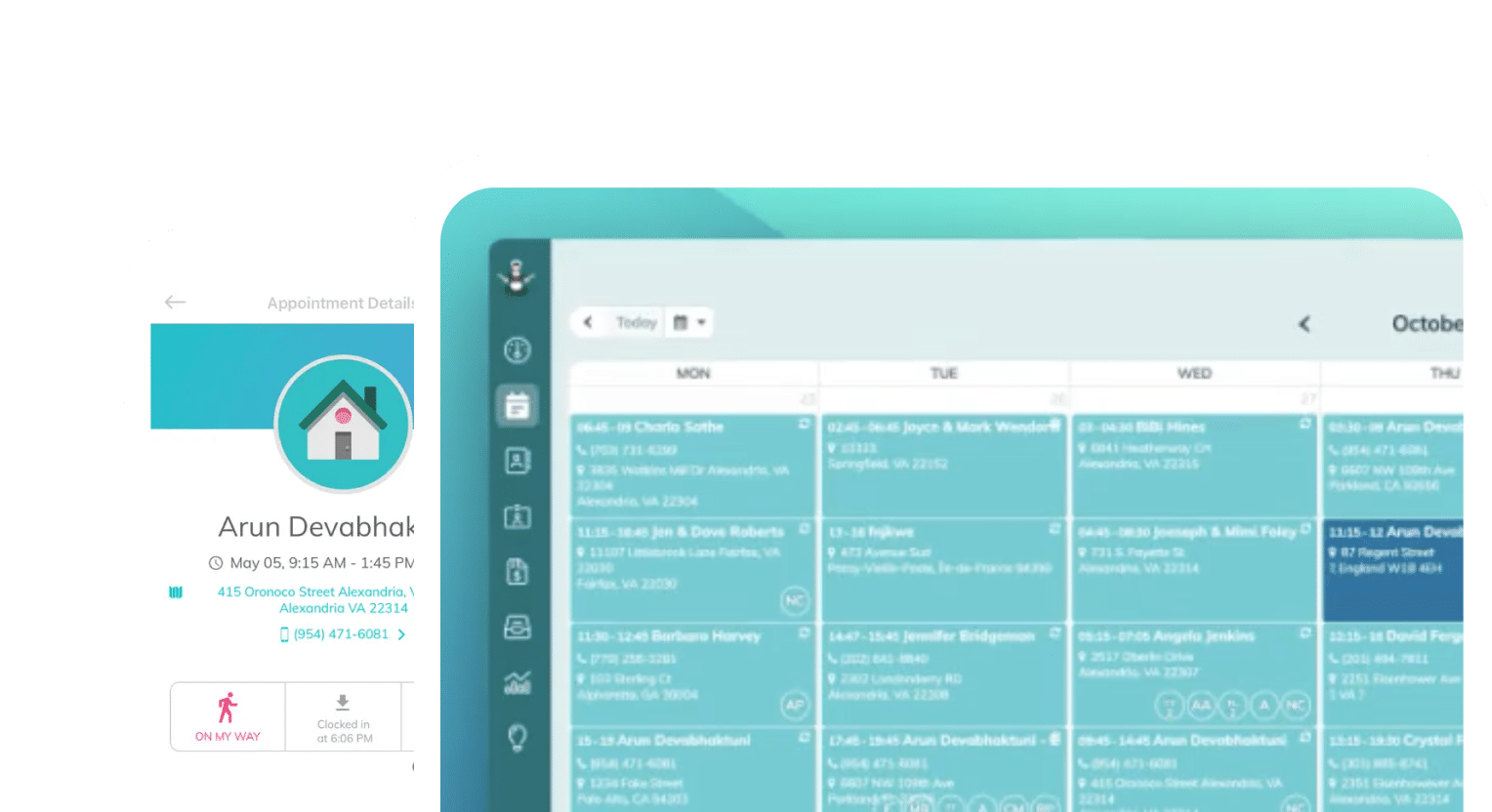
Frustrated with your scheduling? Try the easiest-to-use calendar app, made by and for maid service owners.

If you run a maid service, you know that sending reminders is different from knowing that the client received, read, and acted on the reminder.
A reminder that lands means your client’s behavior changes: they unlock the door, crate the dog, move the car, or reschedule before your cleaner is standing on the porch. A reminder that doesn’t land is just a message you can point to when you’re arguing about a lockout fee.
If this sounds familiar, you have a sequencing problem, not a messaging problem. It’s likely that you’re sending the wrong message, on the wrong channel, at the wrong time, and not giving your client a clear action to take.
Here are the seven reminders and notifications that consistently reach clients and change behavior, how to time them, and how to automate every one of them so they go out whether or not you remembered to send them.
Table of contents
- Why Reminders Fail to Reach Clients
- 1. The Instant Booking Confirmation
- 2. The 48-Hour Email Reminder (and Reschedule Link)
- 3. The Day-Before Text
- 4. The “On Our Way” Text
- 5. The Job-Complete Notification
- 6. The Next-Day Follow-Up
- 7. The Recurring Visit Heads-Up Messages
- Build Good Sequences, Not Just Good Messages
Why Reminders Fail to Reach Clients
Before we dive into the full appointment reminder sequence, we should diagnose the four ways reminders die in transit. Every fix we recommend below is built to solve one of these challenges:
- You’re sending via the wrong channel: Email open rates for service businesses hover around 20–30%. SMS open rates are north of 90%, and most texts are read within minutes. If your only reminder is an email, most of your clients aren’t seeing it, or they’re seeing it Thursday night for a Tuesday appointment they already forgot.
- You’re sending at the wrong time: A reminder sent a week early will be forgotten. A reminder sent an hour before the visit reaches a client who can no longer do anything useful with it. The messages that work arrive at key decision points: while the client can still reschedule, or when they need to act immediately (unlock the door, put the dog away).
- You don’t give your client instructions: ‘Your cleaning is tomorrow at 9 a.m.’ is information. ‘Your cleaning is tomorrow at 9 a.m. — reply C to confirm or tap here to reschedule’ is a request for action. Reminders without a next step get read and immediately forgotten.
- You’re sending these manually: If your reminder system depends on you or your office manager remembering, it fails on exactly the busy weeks when you need it most. This is why automated text and email notifications aren’t a luxury feature — they’re the whole ballgame.
With that in mind, here are the seven messages worth automating.
1. The Instant Booking Confirmation
Your appointment confirmation might be the least glamorous notification, but it’s important to get right because it sets the tone for everything that comes after it.
A useful appointment confirmation should state the date of the scheduled service, your arrival window, the price, and what the client needs to do before the visit. This helps everyone to make sure cleaners have access and know about pets and parking before they arrive.
The confirmation is also your one natural chance to share your cancellation policy with clients without sounding defensive. Saying, “Need to change this? Reschedule free up to 48 hours before your visit,” at the end of the email is a helpful reminder for clients instead of a nuisance.
Clients rarely dispute a policy they agreed to in writing at booking. They dispute policies they hear about for the first time when they’re being charged.
Here’s the quick sending playbook:
- Channel: Email (with SMS as a backup for text-first clients)
- When: Immediately after booking
- What makes it land: Send it instantly. A confirmation that arrives three hours after booking reads like an afterthought; one that arrives in seconds reads like a professional operation.
Sometimes, speed is key to making sure your message is seen. Clients and cleaners alike will appreciate a quick confirmation that gives them enough lead time to prepare for the appointment.
2. The 48-Hour Email Reminder (and Reschedule Link)
Two days out, a client who forgot about a dentist appointment or a work trip can reschedule, and you can offer that opening to your waitlist. Two hours out, that same conflict becomes a cancellation you eat.
Easy, self-service rescheduling for clients is the best way to avoid waking up early for a job that got moved. Asking your clients, “Does this still work for you?” means surfacing conflict while there’s still time to backfill the slot.
Every message should include a one-click way to reschedule or contact you. Avoid making scheduling changes over email and let your systems do the work for you.
Here’s our suggestion for when to send rescheduling reminders:
- Channel: Email
- When: 48 hours before the appointment
- What makes it land: Subject lines matter here. “Your cleaning is Thursday at 9 a.m.” gets opened because the information is in the inbox preview before the client even clicks.
If your email automation provider has a way for you to monitor the open rates of these messages, make sure you check in on them monthly to be sure your reminders are reaching people. Tweaking the subject line may be necessary from time to time.
3. The Day-Before Text
This is your workhorse message: if you automate only one message on this list, it should be this one.
Texting clients the day before your appointment makes sure the message is seen. It goes out the evening before because that’s when clients are home, near their phones, and able to actually do the prep — clear their counters, find the spare key, plan to move the car.
Your message should be short, under 160 characters, to make sure it sends in one message. Include the time window, one prep reminder, and a way to respond.
In short, make sure that you follow these tips:
- Channel: SMS (text message)
- When: Afternoon or early evening the day before
- What makes it land: Asking for a reply (“Reply C to confirm”). Clients almost never no-show an appointment they confirmed; but a non-reply the night before is an early warning you can prepare to act on in the morning.
ZenMaid sends these texts automatically for every appointment on the calendar. You’re more likely to skip (or just forget) sending a day-before text because it has to go out in the evening when you’ve mentally clocked out. Let software handle it for you.
4. The “On Our Way” Text
Everyone rolls their eyes about arrival windows, but they’re a necessary evil. Traffic can be unpredictable, and sometimes jobs take longer than you anticipate, for good reason or bad.
Clients also experience a four-hour window as four hours of being trapped at home. Sending an on-the-way text collapses that window to 20 minutes, and sends the signal to your clients that you care about good communication and protecting everyone’s time.
On top of this, you knock out a common day-of failure: the client who is home but didn’t hear the doorbell, didn’t unlock the gate, or ran out “for just a minute.” A text five minutes before arrival puts them at the door — it’s the highest-goodwill message on this list relative to how little it costs to send.
Here’s the strategy:
- Channel: SMS (text message)
- When: When the cleaner departs for the job
- What makes it land: Tying this message to your cleaner’s actual clock-out rather than a fixed time you guessed. An “on our way” text followed by a 45-minute silence does more damage than no text at all.
If you’re looking for software that lets you automate text reminders, we have some suggestions in this article on phone solutions. Pairing your business phone with SMS message handling is going to save you a lot of time as your business grows.
5. The Job-Complete Notification
Most residential cleaning clients aren’t home during their appointments. In commercial cleaning, sometimes your contact has gone home for the day before you complete your job.
Sending a job-complete message is the moment the service becomes real. The message can be short: “We’re all done! Your home was cleaned by Maria and Kim, finished at 1:40 p.m.” Add a photo or a completed checklist, if you use one.
This message reassures your clients and time-stamps your work, helping you avoid disputes about whether a team showed up, how long they stayed, or what got done. The best message follows these instructions:
- Channel: Email or SMS, matched to how the client booked
- When: When the cleaner clocks out
- What makes it land: Naming the cleaners. Clients trust “Maria and Kim finished your home” far more than “your service is complete,” and it reinforces the relationship that keeps recurring clients recurring.
Humanizing your cleaners to your clients in this way helps you show care. Good communication and genuine appreciation build the relationship between your cleaners and clients, too, which helps you keep both.
6. The Next-Day Follow-Up
Most often, follow-up texts are the texts that fall off your radar. Your job is done, so you’ve moved on to the next.
But follow-ups ask an important question: how did we do?
Sending these texts while the clean is still fresh helps you catch problems while they’re small. A missed room becomes a free touch-up and a loyal client instead of a silent churn three months later.
When you ask, and the answer is “it was great,” that’s when you need to ask for a review. You’ll never have a happier client than the one standing in a freshly cleaned kitchen.
Here’s how and when your message should land:
- Channel: Email
- When: The morning after the clean
- What makes it land: Using active language. A follow-up that asks “Everything look good?” gets you a reply.
Collecting positive reviews will help your business grow overall, but automating your review requests means you gain a new feedback channel. Make sure you respond to reviews and feature them on your website.
7. The Recurring Visit Heads-Up Messages
Recurring clients are the backbone of your business and your sneakiest no-show risk, precisely because the appointment is routine. You know you clean every second Tuesday, but your client probably stopped tracking it months ago.
Sending a quick heads-up email or text a few days before each recurring visit helps clients catch their vacations, house guests, and renovations that would otherwise turn into a lockout, and saves them a cancellation or no-show fee.
Send recurring visit heads-up emails ahead of your cancellation window and include one-click ways for clients to reschedule. Here’s our recommendation on timing:
- Channel: Email first, plus an SMS message closer to the date
- When: Three to five days before each recurring visit
- What makes it land: Mentioning the frequency in the message (“your biweekly clean”). It reinforces the subscription-like relationship, so moving one appointment starts feeling like breaking a routine.
This is where automation stops being convenient and becomes mandatory. Manually tracking reminder schedules across 40 recurring clients on different frequencies isn’t a job anyone does reliably.
ZenMaid generates reminders from the recurring schedule itself. A client on an every-four-weeks rotation gets the same reliable sequence as a weekly client, forever, with zero ongoing effort.
Build Good Sequences, Not Just Good Messages
No single message on this list will prevent no-shows completely. What works is the sequence of your messages. This is what builds routine in your clients’ and cleaners’ minds.
Every appointment looks the same: you confirm at booking, email at 48 hours, text the night before, text on the way, text at completion, and follow up the next day. The sequence ensures that each message catches the failures the previous one let through.
The only way the correct message sequence happens for every appointment, every week, is if you automate it. No human should have to remember all of this.
Use scheduling software to set your timing rules once, write your templates once, and automate your messages to send appointment after appointment. Your clients experience a business that communicates flawlessly, and you never have to think about reminders again.
ZenMaid’s scheduling software for cleaning businesses handles all of this. Send automated booking confirmations, text and email appointment reminders, on-the-way texts, and follow-up emails for every appointment on your calendar. Start your free trial and stop chasing confirmations by hand.