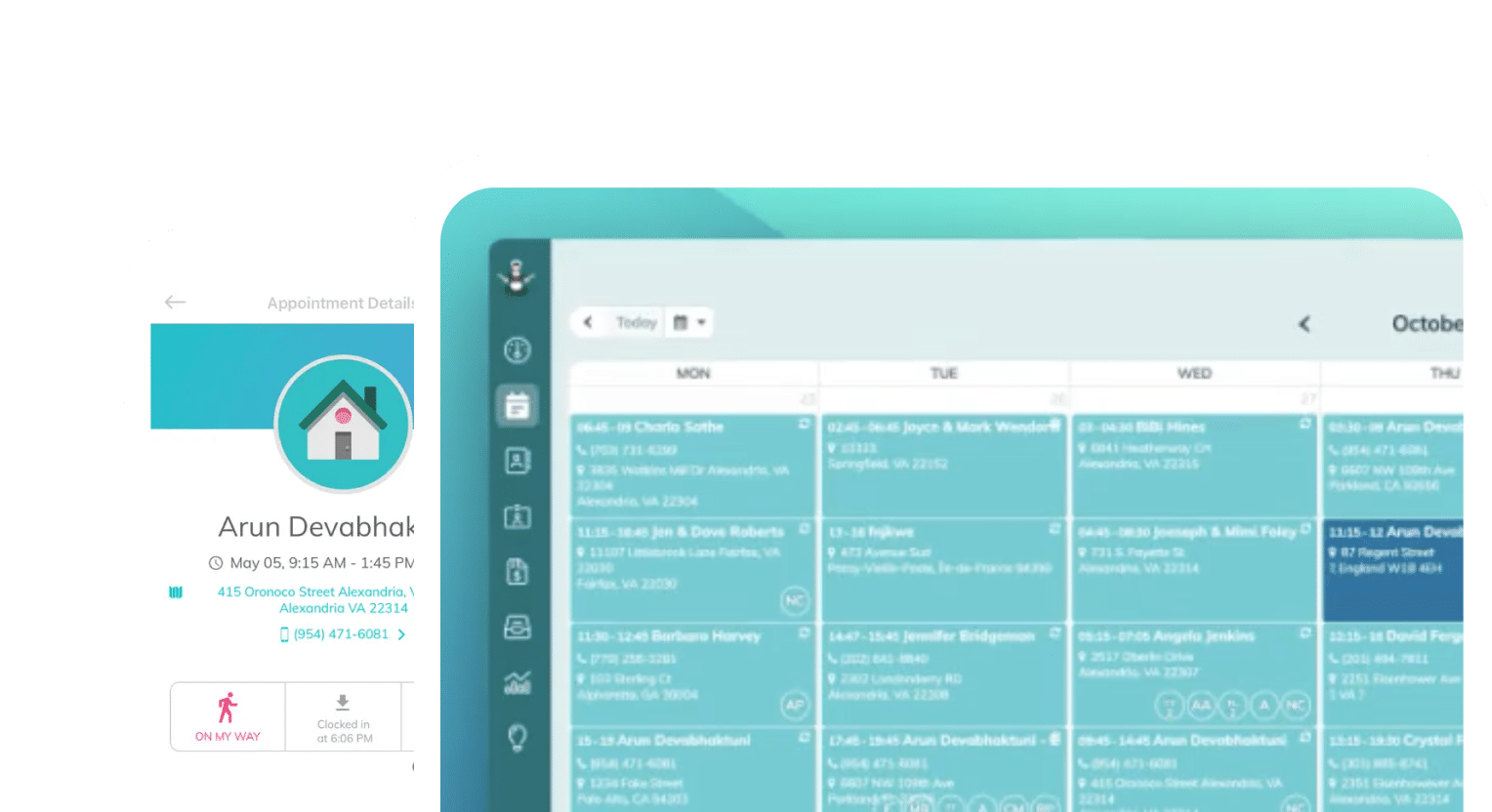
Frustrated with your scheduling? Try the easiest-to-use calendar app, made by and for maid service owners.
As a business owner, you are the chief administrator for every operation and system that runs your business. This may be beneficial to you in the beginning stages of ownership: you can learn how to do everything and anything related to your business, and develop ways of working that meet your expectations and process needs.
But managing everything yourself quickly becomes unsustainable as you grow. The time it takes to run everything also grows as you take on new cleaners or office staff — the time you spend on scheduling, billing, and payroll will compound dramatically.
If you’re spending all of your time assigning work, paying employees, paying bills, and chasing clients, you have no room to focus on growing your business.
Plus, with no time to slow down and regroup, manual errors will occur more frequently. Missed payments, miscommunicated jobs, and lost opportunities will pile up. You might end up feeling like this isn’t sustainable, even though you can’t get out of your own way.
All of this can be avoided with software automations. Automation is a boon to cleaning business owners who are looking to regain time in their schedules and build the reputation of a strong, reliable business and employer.
We’ll cover the six key areas you need to automate now to grow your business. If you’ve put off learning new software or building automations because you’ve been afraid to do it wrong, this guide is for you.
Remember: your business will never be perfect — and that’s okay! Like with all good things, it will need tweaks and improvements as you go along.
Table of contents
- Why Automation Is Important for Cleaning Business Owners
- 1. Handling Recurring Cleaning Plans and Automated Billing
- 2. Automating Work Orders for Cleaning Teams
- 3. Enforcing Cancellation Policies with Software
- 4. Automating Cleaner Pay Calculations
- 5. Automating Checklists for Cleaners
- 6. Improving Team Coordination with Automation
- Conclusion
Why Automation Is Important for Cleaning Business Owners
Modern cleaning software can realistically eliminate the majority of the administrative work you’re stuck doing now. Think about it: we’re about to cover six areas of work that you can automate! That’s a lot of time to gain back.
It’s not a personal failing to let software handle the basics, especially when you need to use your time more efficiently. These are the six areas we recommend automating to build a full admin “stack,” or series of systems that work together in automation:
- Recurring cleaning plans, billing, and invoicing
- Work orders
- Checklists
- Cleaner pay calculations
- Cancellation policy enforcement
- Improving team coordination
When buying software, there are many features to consider and think about how they’d fit into your existing business systems. Take a look at what we recommend you know about your systems when evaluating software.
1. Handling Recurring Cleaning Plans and Automated Billing
The structures that support your core business are the ones you should automate first. Recurring clients are the bread and butter of residential cleaning businesses, so they’re a good place to start.
Think about it: recurring appointments make up most of your monthly revenue, shape your availability and scheduling practice, and they support the full-time cleaners you have on staff. Even at ZenMaid, the first question we get from customers is often, “How can I automate recurring billing?”
Your software should do the following to help you automate recurring billing:
- Offer recurring plan management (weekly, biweekly, monthly)
- Tie billing and cleaner pay to service schedules
- Integrate with your existing payroll software, if applicable
- Allow autopay for clients to keep cards on file for easy billing
- Generate invoices and payment reminder emails to clients
All of these features add up to an automated processing loop, or a flow, that clients pass through without you needing to move them along yourself.
Recurring plan management in ZenMaid is specifically designed for cleaning business owners, and offers weekly, biweekly, and monthly plan styles. With the built-in booking form, clients can self-select the plan that fits their needs best, and their request comes straight to you.

ZenMaid also integrates directly with QuickBooks at higher-tier plans, but you can export data to any system manually if you need to pull reports, run payroll, or calculate taxes separately. This saves you hours each week and makes it easier to gather insights about revenue, recurring schedules, and availability.
2. Automating Work Orders for Cleaning Teams
Work orders are another frequent admin task that owners can easily automate and make digital to save on paper costs. These include cleaning checklists, client notes, property access directions, and location.
Software can automatically turn a client’s booking request into a work order that is sent to the assigned cleaner, without any input or direction from you. All you need to do is customize your booking form fields to gather all of the information you need from clients at once, and the software will take care of sending it to cleaners once they’re assigned.
With ZenMaid, all of those details become part of a secure client profile that is shareable with every cleaner on staff. Any notes on the client (either things they share, or notes you’ve accumulated over time), special instructions, and property details are stored in ZenMaid, so that if their regular cleaner is out sick or on vacation, all you need to do is share their profile with the new cleaner.
[images of client and cleaner profiles]
With all of these details in an accessible place, you unlock automatic route optimization. While ZenMaid focuses on local cleaning businesses, more generic service software like Jobber can take a booked schedule and organize it by the most efficient route, saving you time you’d otherwise have to spend plotting that route yourself.
3. Enforcing Cancellation Policies with Software
Cleaning businesses can manage their cancellation policies with software easily. Set cancellation windows and fees in your booking system, and communicate with clients about them early, throughout the booking process.
You can also set up email triggers that send appointment reminders before the cancellation period begins to save clients time if they need to rebook. Reminders help reduce no-shows and lock-outs, which lowers your risk of losing jobs due to miscommunications.
Using software to manage cancellation policies and enforce them is essential. After helping you communicate with and organize clients, you gain clean records of all of your interactions with them, including around your cancellation policy. This becomes useful when disputes arise.
4. Automating Cleaner Pay Calculations
Cleaner pay calculations are some of the most important, tedious jobs a cleaning business owner can do — and they’re also some of the first to be automated. Pay structures are common enough that many software options offer templates and presets that can help you stay organized.
Hourly, per-job, and commission-based pay types are all supported by major payroll software and tools like ZenMaid that integrate with them. All you need to do is set pay rates and connect your timesheets to payroll exports. From there, software handles everything else.
This is especially handy when auditors come, or employees dispute their pay. Automating payroll means you’re keeping really clean, clear records about pay and other important administrative tasks, so that if you’re ever questioned, you can easily prove your answer.
5. Automating Checklists for Cleaners
Even if you aren’t willing to give up printed checklists, automating what goes on each checklist is still a time saver you can take advantage of. (Sometimes it’s not practical to access a mobile device while on site!)
Regardless of final form, automatic checklists improve the quality and consistency of your cleans. Each client that books a weekly service will get exactly the same clean each time; each cleaner performs exactly the same tasks at each clean of that type.
Write down the checklists you currently use for weekly, biweekly, and monthly services, and set up scheduling software to include the corresponding checklist when clients book that type of service. Then, go through each of your add-ons, like laundry, outdoor spaces, organizing, or additional bathrooms.
Write out those checklists, and when add-ons are selected during booking, their checklist items are automatically added to the cleaner’s checklist. Automating this also gives you a wealth of new information about quality assurance.
In ZenMaid, cleaner checklists are accessible via mobile app alongside everything else cleaners need to complete jobs independently. They can simply check off items associated with a cleaning appointment in the booking itself, while they’re on site. You can then see which tasks each cleaner has completed per booking, how long each service type typically runs, and how quickly teams are able to complete checklists on average.
Client and QA reporting becomes easier when you automate because data collection is handled for you during the process, in real time. All you need to do is sit down and dig through it.
6. Improving Team Coordination with Automation
Updates can be some of the most demanding and exhausting tasks for cleaning business owners. At every step of your automation journey, team coordination should get better, not worse. This is how you know it’s working!
Improving team coordination through automation looks like having:
- Automated scheduling notifications sent directly to cleaners
- Real-time job status updates and two-way communication
- Handling team swaps and last-minute coverage automatically
- Using recurring task automation to eliminate repetitive manual steps (rebooking, reminders, reports)
As you set up your other automations, you should be able to set up email or SMS notifications at each stage of the process. When they’re sent automatically, as a result of what you change or build in your software, you can let go of remembering schedules in your head, managing client and cleaner relationships, and stressing about finding phone numbers or email addresses to contact people.
Conclusion
We covered six automations: recurring billing, work orders, cancellation policies, cleaner pay, checklists, and team coordination. None of these is a nice-to-have — they’re the foundation of a cleaning business that can grow without burning you out in the process.
Start with what costs you the most time right now. Automate recurring billing first if chasing payments is your biggest headache. Set up digital checklists first if inconsistent cleans are hurting your reputation. The order matters less than simply starting.
And remember: no system will ever be perfect on the first try. The businesses that grow are the ones that build something, learn from it, and keep refining.
As you grow, try ZenMaid, the maid service platform that helps you grow your business with automations, a free community of cleaning business owners, and friendly industry professionals who know how to help. Start your free trial today.