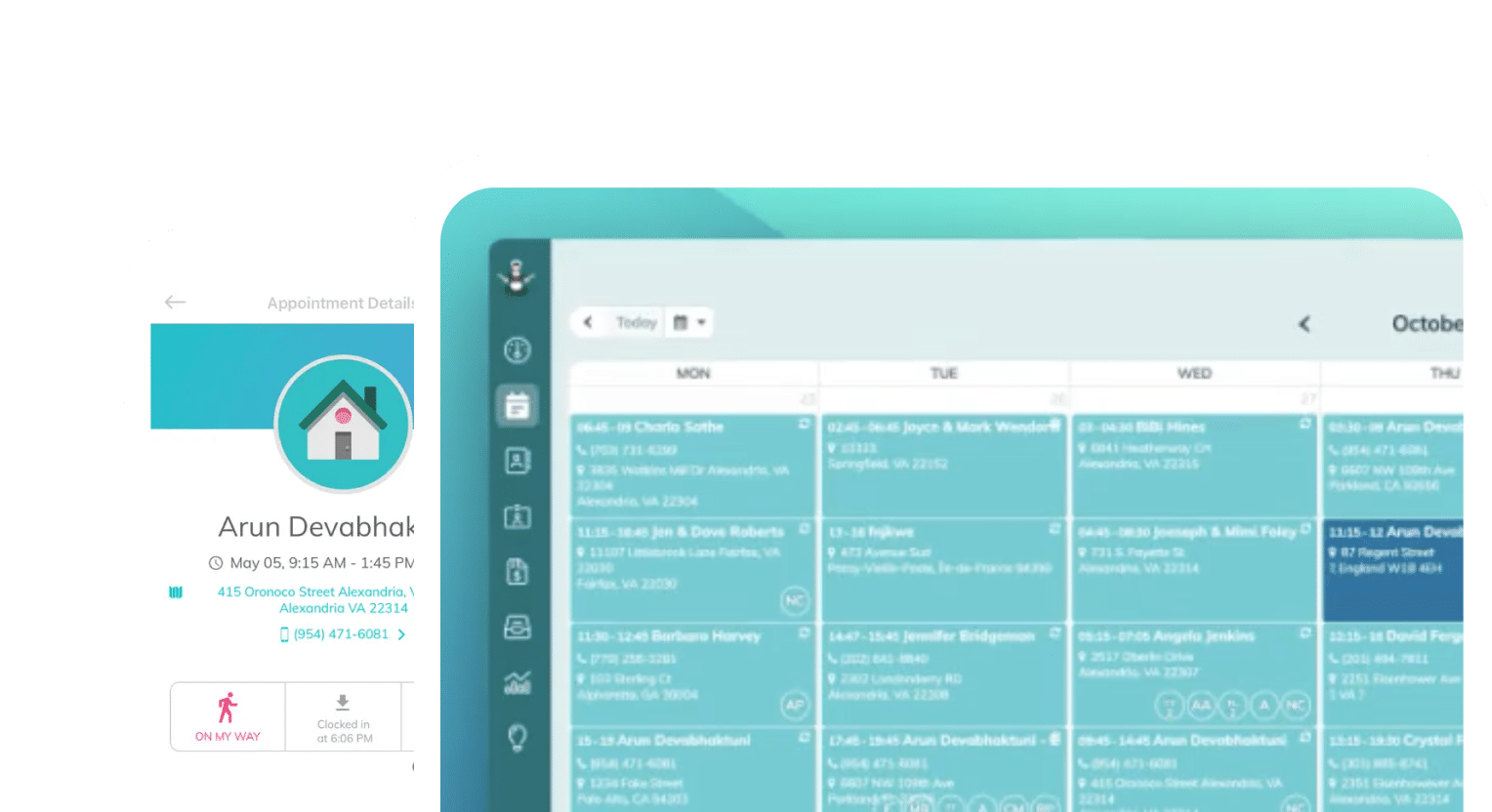
Frustrated with your scheduling? Try the easiest-to-use calendar app, made by and for maid service owners.

Many cleaning business owners run their businesses on gut feeling or spreadsheets, and not real numbers. When asked how things are going, if you’re answering “oh, you know, well enough” or “fine, I guess,” you are probably one of these cleaning business owners.
Knowing your business inside and out is essential to growing it. You can’t improve what you don’t measure, and you won’t know if a change worked if you never wrote down where you started.
You don’t need a separate business intelligence tool to pull the reports that matter. These should come straight out of the scheduling software you already use.
We’ll quickly cover the metrics you should track as a cleaning business owner, and how you can export ZenMaid data to get the full picture of your business’s performance.
Table of contents
9 KPIs Every Cleaning Business Owner Should Track
When you start looking at numbers, you might feel overwhelmed by how many different things you have to track. But not every number you can access is valuable.
Some numbers sound good when you say them, but really mean little to your bottom line. You want to avoid tracking your business’s success with these numbers, also known as “vanity metrics.”
Key performance indicators (KPIs) are the metrics that matter. They indicate the true health of your business and help you make predictions about things like when you’ll need to hire more staff, raise prices, and try new marketing strategies.
Here are nine KPIs we’ve seen successful cleaning business owners use, including the industry benchmarks for each:
| Category | KPI | Industry Benchmark (according to the Professional Cleaning Index) |
| Growth & Revenue | Revenue per cleaner | Full-time cleaning staff should average $85–105k per year. With part-time staff, it lowers to $60–90K per year. |
| Recurring revenue proportion | 82–88% of your target revenue | |
| Customer acquisition cost (CAC), specifically your lifetime value (LTV) to CAC ratio | Varies by location, competition, and business model | |
| Operational Efficiency | Labor-to-revenue ratio | 35–42%; Cleaner pay should be about 40% of cost to client |
| Utilization rate | 70–85% of your time should be billable, with smaller companies leaving 26% of their hours unbillable vs. larger companies leaving around 17% | |
| Drive-time ratio | Usually a percentage of your non-utilized time | |
| Client Satisfaction & Retention | Monthly churn rate | 5–7% |
| Repeat-booking rate | 50–60% | |
| Satisfaction scores | Net Promoter Score (NPS): 8 or higher, on a scale of 0-10
Customer Satisfaction score (CSAT): 4 or higher, on a scale of 0-5 |
How to Generate Performance and Growth Reports (Without a Spreadsheet)
Most reporting software is overkill for cleaning businesses. Business intelligence software is clunky, data-heavy, and can be unwieldy during setup without software development experience. An easier approach to tracking metrics for your cleaning business is to use your software’s built-in reporting features.
Cleaning business reporting software, like ZenMaid, combines scheduling, client management, and cleaner management into a single place. All of your appointment, cleaner, and client information for scheduling lives in the same software, which means you can access a wealth of data for tracking performance.
How to download reports in ZenMaid
Using ZenMaid as an example, your cleaning business software should be able to generate all of the reports you need. You can see a full list of reports you can pull in ZenMaid here, but here are a few of our most helpful:
- Revenue and Expenses: Track revenue by date and see both projected revenue (based on scheduled cleanings) and actual revenue after services are completed
- Click Reports then All Reports
- Go to the Management section and find Revenue and Expenses
- Click that to run the report
- Revenue by Contact: This is a Custom Field report that helps you analyze revenue by specific client-related segments, such as recurring cleaning clients
- Make sure your Custom Fields are set up for Contacts
- Click Reports in the main menu
- Go to Marketing and Growth and then select Revenue by Contact Custom Field to open the report
- Set a date range
- Click Run Report
- Revenue by Marketing Source: When you add a Marketing Source in ZenMaid, you can identify which marketing channels generate the most revenue and bring in the most clients
- Click Reports in the main menu
- Go to Marketing and Growth and then select Revenue by Marketing Source to open the report
- Clocked Hours, by cleaner and client: Track your cleaners’ scheduled and clocked hours, and include additional information such as clocked duration and appointment prices
- Click Reports in the main menu
- Scroll down to the Hours section
- Click Clocked Hours per Customer & Cleaner to open the export pop-up
- Set a date range
- Select your format and the fields you want to include
- Click Export to .csv
The full instructions to prepare and download each type of report in ZenMaid are linked above in ZenMaid’s Help Center.
With just these four reports, you get a wide view of your recurring revenue and clear pictures of how your cleaners, clients, and marketing channels contribute to your growth. Getting granular with performance, such as looking at profitability per cleaner, helps you see where to improve, whether that’s in training cleaners or booking more recurring jobs.
That level of detail is what turns a schedule into a scorecard for your business. You’re not looking at the calendar and saying, “I’m in good shape because I’m totally booked.” You’re not guessing which cleaner is carrying the business or whether your $500 on Meta Ads was worth it. You can simply log in to ZenMaid and see it.
Tracking Job Completion and Proof of Work
When jobs finish on time and meet expectations, two things happen: your high service rating holds, and you protect your cleaners’ billable time. Higher-quality jobs and higher service ratings mean you have a clear justification for higher prices. Proof of work means you can trust your cleaners are carrying out work to your clients’ satisfaction.
GPS clock-in and clock-out isn’t about watching your cleaners all day. It’s a check on your production rate and your projected revenue — having an exact start and stop time for each appointment lets you calculate what a job really costs and what your revenue will actually be, which can also help you when it’s time for a price increase.
ZenMaid offers GPS-verified clock-in and clock-out to cleaners via mobile app, in the same place they access client details and cleaning checklists. This helps you gather job completion data with near-total accuracy:

When cleaners clock in, their appointment starts. As they check off items on a checklist, you and your clients can see in real time how jobs progress, providing you proof of work — and quality, with photos available.
All of this completion data becomes directly accessible in ZenMaid, and easily pulled into the reports we described above, which means you no longer need to manage this data separately. No double data entry!
Gathering and Analyzing Client Satisfaction Data
You probably don’t track client satisfaction data closely enough. Your NPS and Google Reviews are what will attract new clients, keep good relationships with recurring clients, and give you an opportunity to show prospective clients how you handle difficult situations.
Good or bad, reviews are something you should be asking for regularly to make sure you have a strong feedback loop with clients. Automating these post-appointment follow-ups to get feedback, ask for reviews, and remind clients about your referral program (if you have one) means you save time sending emails, and you increase the chance of your clients leaving you a review.
Once you implement automated follow-ups, analyzing sentiment data will be easy. You can tell a happy client from an unhappy one, but what about a happy client that could be wowed?
ZenMaid lets you track client preferences via custom fields, right beside client reviews:

As you catch up on new feedback, you can make private, office-only notes about clients in their profiles, which helps improve your cleaners’ understanding of what each client is looking for.
Setting a Reporting Cadence
How often you look at KPIs will depend on your business’s stability, how recently you implemented your new tracking systems, and whether you’re focused on growth versus spending time developing new processes or systems. On average, however, the businesses that grow quickly are usually looking at metrics weekly and taking action to improve them whenever possible.
Consider an earlier benchmark: smaller companies end up leaving about 26% of their time unbillable, while larger companies leave only 17%. The likely reason for this gap is capacity — a larger business can likely dedicate an office manager or other employee’s time to monitoring these numbers.
But these larger companies are also able to bill more because they recognized early that they could hire additional cleaners to cover more space and create more billable hours. The only way to know your business is ready to expand like this is by closely watching your numbers.
It’s worth noting that “closely” watching your numbers on a “regular” cadence is a bit nonspecific. In practice, there are some KPIs you want to track weekly, like billable hours, and some you want to track monthly, such as recurring revenue.
Depending on what you’re prioritizing — hiring, increasing capacity, improving quality, moving faster — you’ll want to change which metrics you emphasize. But if you’re just starting to pay attention, you’ll benefit from keeping a more general view on metrics and taking action when you notice things change.
How and when to use KPI data to take action
ZenMaid user and Filthy Rich Cleaners host Stephanie Pipkin recently did an episode on the KPIs and metrics she uses to track the performance of her business, Serene Clean. She goes deep into detail about each report type she uses, how she maintains her data throughout the customer journey, and how this information has helped her run her business better and more profitably.
If you don’t have time for the full episode, here’s what Stephanie has to say about tracking metrics: “I just love digging into the data and really understanding what’s going on in my business. And as I’ve said before, for me, tracking is this security blanket. It really makes me feel so much more confident that I know what’s going on in my business, because there’s a lot of things that we cannot control in our business.”
Wrapping Up
Successful cleaning business owners know their numbers inside and out, and use the right software to store, monitor, and influence their key performance indicators. Tracking these metrics with regularity and honesty will help you achieve better results, higher revenue rates, and attract more clients.
ZenMaid is cleaning business scheduling software that gathers all of this data and more, and makes it easy to report on the success of your business. Pull all of the reports you need, export data into QuickBooks for more analysis, and share relevant information with both your cleaners and your clients when it will make a difference.
Try ZenMaid today, free for 14 days, and see how fast you can pull reports and start tracking metrics before the trial ends.
FAQ
What is a good churn rate for a cleaning business?
Roughly half of recurring clients churn within 12 months. On average, this looks like 6% of customers per month stop booking new appointments. Why clients are leaving is often a different story.
How much should labor cost as a percentage of revenue?
Start by thinking about this differently: labor cost is a guideline for your prices. Set a goal, such as making sure labor never becomes more than 40% of what you charge. We teach you how to run these numbers and pick a profitable price point for your cleaning services in our full guide on how much to charge.
How often should I review my cleaning business metrics?
You, as a cleaning business owner, should try to review them once per week. Gather your office team, if you have one, about once a month to discuss the metrics that matter, and feel free to mention good news about your business performance and call out worries as the month progresses in between meetings.
What reports should a cleaning business run every month?
Start with recurring revenue, utilization, and leads by marketing source. These should tell you everything you need to know about the basics of your business.