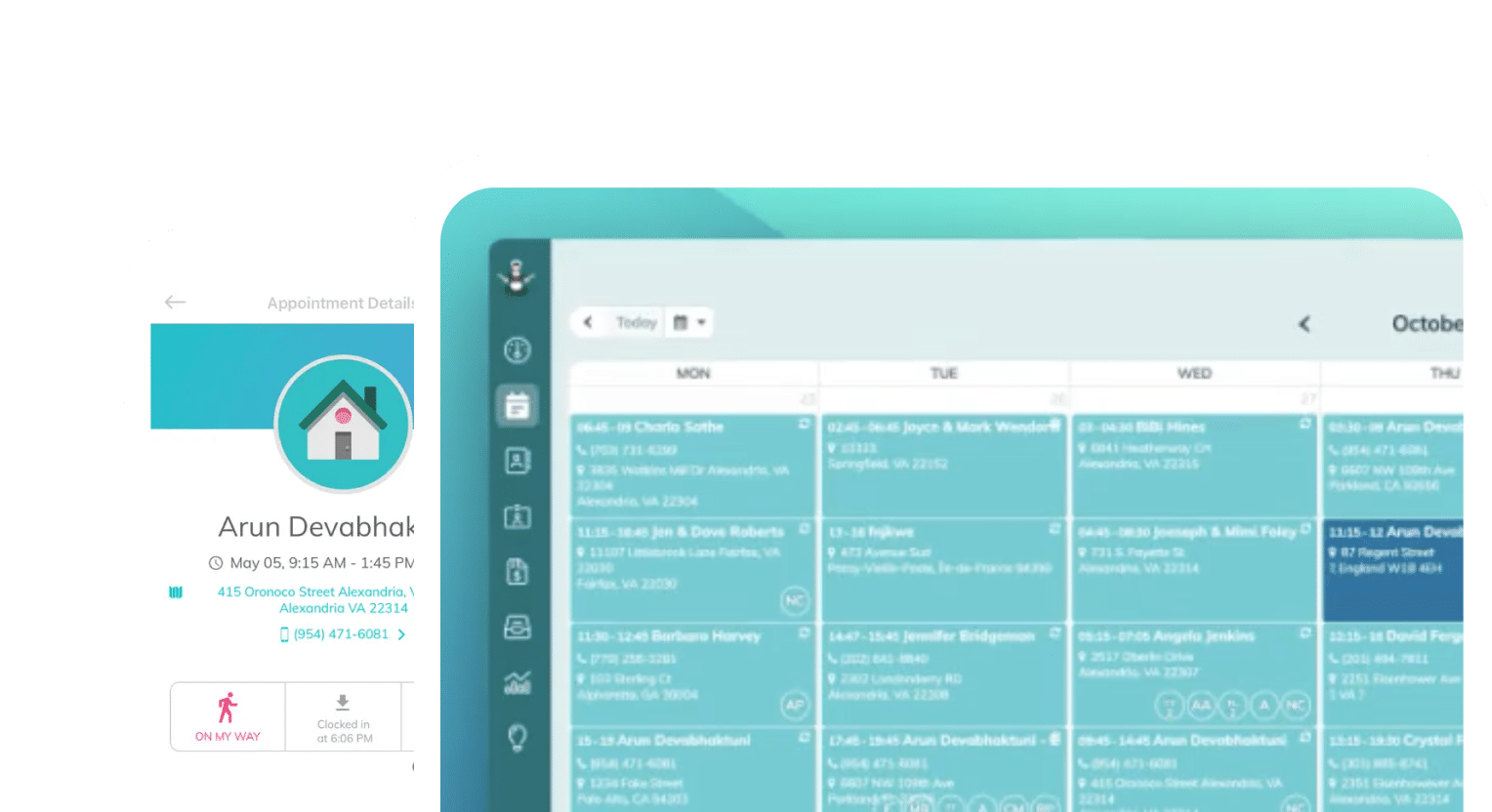
Frustrated with your scheduling? Try the easiest-to-use calendar app, made by and for maid service owners.

Manual invoicing is tricky — it puts you in the position of collecting and being responsible for sensitive financial information about each of your clients. But it also makes it needlessly difficult to make sure clients are paying you on time.
According to QuickBooks’ 2026 Small Business Late Payments Report, 59% of small businesses carry invoices more than 30 days overdue, and that number is only increasing year over year. This translates to about $17,700 in outstanding payments at any given time for businesses without automatic payments.
For a cleaning business, that’s a significant revenue gap to close — it could mean the difference between paying your cleaners and paying yourself. This is where automated billing software protects your business.
Automated billing software requires that clients keep a card on file that you can charge automatically when a cleaning is completed. Payment collection happens without invoices, reminders, or follow-up calls.
Let’s talk about what automated billing software can do specifically for cleaning business owners.
How Does Automated Billing Software Help Cleaning Businesses?
Think of how many times you’ve written down credit card numbers given over the phone, or tried to remember your mobile chip reader when you’re on the job. Maybe you’ve spent hours scrolling Venmo to tally up your earnings when you settle up for the month.
Automated billing software eliminates this manual work — and the risk that handwritten notes pose to clients. When clients book with you, you can require them to keep a card on file, so that in the event of a no-show, late cancellation, or an expired card, you still get paid on time.
Software like this also takes the burden off of your cleaners in the moment. You know how difficult it can be to close the loop on payments if you’ve waited around for clients to return home after cleanings, sent multiple reminders, or asked cleaners to handle payments for you. When everything is handled digitally, you can trust that payments are happening and no one is stuck in an awkward situation.
Storing credit card information securely is also important for client satisfaction. Payment processors like Stripe and Square provide clients with peace of mind when handing over their credit card information, and you lessen your risk of letting their financial data fall into the wrong hands.
Automating billing also saves you tons of time sending reminders manually. The software can alert you and your clients when cards have expired, and you can set up reminders that trigger whenever clients meet a certain past-due threshold.
What automated billing software actually does
If you’re evaluating solutions for billing software, take a look at this list of the minimum your system should be able to handle:
- Secure card storage: Cards live with your payment processor, not in your files
- Charges tied to jobs: Every charge links back to a completed appointment
- Recurring schedules: Run weekly, biweekly, or monthly schedules and charges
- Failed card handling: Retries or flags the card to you and your client
- Automatic payment status: Record payments against each job
- Receipts: Successful payment emails go out on their own
Later on, we’ll briefly evaluate some popular billing software options in more detail.
Automated billing vs. invoicing vs. payment processing
These terms are often used interchangeably, but it’s worthwhile to know what each one refers to. You don’t want to get stuck with a payment processor when you need the full functionality of an automated billing system.
| Software type | Description | Example |
| Payment processing | These solutions move money. They store cards, charge clients, and keep track of the money entering your business. | Stripe, Square |
| Invoicing | These solutions create and send the requests for money, also known as your invoice or work order. | ZenMaid, Jobber, Housecall Pro |
| Automated billing | These solutions set rules that decide who gets charged, when, and for how much, automatically | ZenMaid, Jobber, Housecall Pro |
It’s worth noting that many automated billing systems also create invoices, but payment processors focus solely on moving money around. You may need both payment processing and billing software, but not a separate invoicing solution.
Automated billing software is for everyone, at every size
Every cleaning business owner deserves automated billing software. Whether you’re a solo operator or have 20 cleaner teams, your clients will still appreciate a professional, trustworthy billing experience.
But even more importantly, automated billing is much more scalable than pen, paper, and memory. Manually collecting client information stops being a reasonable task once you hit 40–50 clients. Once you start having to manage payroll on top of this, matching invoices to payments and paychecks will become a true hassle.
Why Cleanings Go Unpaid in the First Place
If you carry a high number of unpaid cleanings from month to month, you have a good reason to look into the problem — 17,700 reasons, in fact. Of course, there will always be situations that require custom invoicing and manual payments, especially if you service higher-touch clientele, unique commercial spaces, or perform a lot of bundled jobs.
But a good rule of thumb for understanding whether you have a problematic amount of unpaid cleanings is to see how quickly your recurring clients pay for their services. From there, investigate each one of these potential reasons for delays:
- Payment happens after the service, not at booking: This might sound reasonable at first — you don’t want to charge for services you haven’t performed yet — but if the payment hasn’t processed within a few days, you have a gap you can easily close with software
- Client isn’t home on cleaning day: You can’t collect payments manually if clients aren’t present for transactions. Take the in-person part of this process out, and everyone gets some time back
- Long-tenured clients with check-in-the-mail habits: Some long-term clients get too comfortable with lapsing on payments. They always pay eventually, or with some nudging, but it’d be really helpful to your business if they paid on time
- You don’t state your policy, so there’s nothing to enforce: You should always have a clear payment policy in place! Whether that’s part of your cancellation policy or a client onboarding process, making clients sign to acknowledge your policies means you have clear escalation options to stand on when payments are late
- Invoicing lives in a separate system from the schedule: Manually rectifying invoices with schedules is a nightmare. Tie invoices to jobs with a scheduling software, and make sure cleaners are paid correctly for every job they perform
If one or more of these scenarios is relatable to you, it’s time to look into automating your billing system.
The real cost of chasing payments
We’ve talked a lot about the mental toll of managing payments manually, but not so much about the actual financial cost to your business. This side of things often gets missed in the moment, but is glaringly obvious once you stop to look at the numbers.
A report from ChaserHQ, an accounts receivable automation software, took a look at how these issues impact small businesses of all types, not just cleaning businesses, and found that 76% of small businesses spend three or more hours collecting invoices. That’s 150 hours a year!
ZenMaid users like LaShanda Brown have experienced this firsthand. Before she started using ZenMaid to manage her schedule, her payroll was running at 91%, and she was working 90-hour weeks. Just being able to handle payments and invoicing automatically gave LaShanda 50 hours back per week, covered payroll costs, and increased her recurring client list by nearly 50%, from 70 to 101.
To figure this out for yourself, calculate your opportunity cost, or the dollar amount lost per hour you spend on administrative work instead of billing cleaning clients. If we estimate this opportunity cost at $50/hour, that’s $7,500 of your time each year that gets lost to managing invoices.
How a Card-on-File Policy Protects Your Cash Flow
When your customers know you have their credit card on file, the idea of not paying isn’t really an option in their minds. They know they’re paying either way — they just need to choose how.
Keeping cards on file doesn’t necessarily mean charging them each time, but it offers you a stopgap in the event a client says they’ll pay with cash and then isn’t home on time. You still get paid, and they don’t have to worry about it.
New clients won’t think twice about giving you a card to keep on file when it’s presented as part of their onboarding. They’ll read your guidelines and input their card numbers, no problem.
Existing clients may need a bit of explanation, but we’ve got the quick script you need to communicate with them about the change if anyone raises a question.
How to tell clients about your card-on-file policy
There are three script variations you should prepare: a phone version, an email version, and what appears in your service agreement. The phone version can be casual and informative, same as the email version; your service agreement is ultimately what will stand as your policy, so it should sound formal and binding.
Here’s an example of your intake phone call script:
“We’ll need a card on file for you to complete your service booking. You’ll still have the option to pay with cash or check if that is more convenient for you, but we’ll keep your card on file to run only if you don’t pay at the time of appointment/by the next appointment/[STATE YOUR POLICY HERE].”
Email can be a bit more formal, since you’re introducing your policy in writing:
“At [NAME OF YOUR BUSINESS], we ask all clients to keep a card on file to complete booking. Payments made in cash or via check will still be accepted. Keeping a card on file means your account is active.
If payment is not received within [NUMBER] days after your cleaning, we’ll charge the card on file for the balance due.”
For a service agreement clause, you’ll want to outline your entire payment structure for the client, including details about how you accept payment (cash, credit, check, ACH), when you require deposits, and when you’ll charge customers:
“We accept payment via cash, check, ACH, or card, but require that clients keep a card on file with us. A 50% deposit is required to confirm your appointment, and the final 50% will be collected at the time of completion.”
We’ve got a full cleaning service contract generator for your service agreements if you want to get some inspiration for writing your own clauses.
What to do when a client refuses
Clients might object to either or both of these terms. If a client doesn’t want to keep a card on file, you have a few options. You can set a different term you’re comfortable with in a separate agreement and ask them to sign that, but you’ll want to keep these exceptional clients to a minimum — too many exceptions will make it difficult to enforce your blanket policy.
You can also stand firm on requiring a card on file, but offer prepayment options that make it unnecessary, or ask for a percentage deposit to be paid upfront, while you charge the remainder to the card on file. Whatever terms you agree to, put them in a contract too, just in case it comes under question again later.
If a client refuses to sign your service agreement entirely, it might be time to let them go. Everyone loses clients, and firing clients who are chronically late to pay can often be worth removing from your clientele so you can replace them with paying clients.
What to Look For in Automated Billing Software
If you’ve read this far, you are probably thinking that software is the right option for you. We’ll make it easy in this section to build a list of evaluation criteria that will help you choose the right software for your cleaning business.
Billing tied to your schedule, not a separate app
Scheduling software is often the first big purchase cleaning business owners make. If yours doesn’t offer billing features, it might be worth replacing.
Your schedule exists for two reasons only: you or your cleaners know where to go, and you know who to charge. If you don’t know who to charge, or when, or how much to charge them, your software has a gap you need to fill.
Software that pairs billing and scheduling should be able to show you the entire end-to-end payment cycle, from initial booking to final follow-up.
Recurring billing for weekly and biweekly clients
Recurring clients are the backbone of the residential cleaning business. As a result, they create the largest volume of invoices, and their payment status is most important to your bottom line.
Managing recurring billing cycles should be a default feature in the billing software you choose. These invoices are typically the same each time, but can be amended easily if your client includes an add-on to a specific service, or if they skip a week.
Batch charging — closing out a full day at once
Batch charging or batch payment processing is another option for recurring client invoices. It allows you to run a whole block of payments at once to help save on costs related to processing credit card transactions.
Recurring invoices are exactly the kind of consistent and predictable payment transactions that batch charging is meant for, but it can also be useful for things like running payroll for W2 workers or making payments of other kinds on a regular basis.
Failed payment handling
If a card expires, your software should alert you that the payment failed, and the client so they replace the card. It’s okay if you need to set these alerts up yourself, but the capability should be available in the software.
Additional automated emails can be helpful to ensure you are paid via a different method if the card isn’t replaced or the client asked to pay in cash and wasn’t home.
Card on file as a backup for cash and check clients
Like we previously discussed, keeping a card on file is key to avoiding missed payments. Even if clients prefer to pay via cash or check, the ability to keep cards on file is essential to running your business optimally and without doing so much manual administrative work.
Where card data actually lives (and why you shouldn’t store numbers yourself)
We’ve talked a lot about security and keeping card information safe. All of that comes down to knowing where your card data is stored.
There is a broad, global set of standards related to maintaining payment card data. According to this helpful guide from Stripe:
The Payment Card Industry Data Security Standard (PCI DSS) is the global security standard for all entities that store, process, or transmit cardholder data and/or sensitive authentication data. PCI DSS sets a baseline level of protection for consumers and helps reduce fraud and data breaches across the entire payment ecosystem. It is applicable to all organizations that accept or process payment cards, and there are significant penalties, fines, and costs for organizations that do not meet these standards.
Make sure the payment processor and billing software that you choose is PCI DSS compliant, and you won’t have to worry about being responsible for data breaches. This is a huge plus over manual management because you outsource the risk of breaches to these billing software companies entirely.
Transaction fees and what’s normal
Most billing software charges a monthly subscription fee and a transaction fee on top of each charge, somewhere between 1.5–3.5%. Know what your fee per transaction is, and make use of batch processing when you can to reduce transaction costs.
Comparing Automated Billing Software for Cleaning Businesses
Most field service platforms were built to help service providers manage one-off jobs and annual maintenance plans. Cleaning business owners face very different challenges than the average home service provider because they typically bill the same clients every week.
In the table below, we’ve compared some popular billing software options with the challenges cleaning business owners face in mind.
| Feature | ZenMaid | Jobber | Housecall Pro |
| Card on file | Yes — stored in Stripe or Square, visible in ZenMaid | Yes — client wallet via Jobber Payments | Yes — Card on File |
| Weekly/biweekly recurring billing | Yes — billing schedule tied to recurring jobs and one-off cleans | Yes — billing schedule tied to recurring jobs | Yes — billing schedule is tied to recurring jobs |
| Batch charge a day of completed jobs | Yes — go to Appointments, then List View, and filter for Unpaid Appointments | No — batch invoicing creates and sends invoices only | Partial — bulk invoice sending; batch payment is per customer profile |
| Auto-charge on completion | Configured in Stripe/Square. Invoices are sent automatically via ZenMaid | Yes, including after each visit | Yes, on completion or invoice due date |
| Failed payment retry | Configured in Stripe/Square using ZenMaid data; Automatic failed payment notifications | No — Automatic payments are only attempted once | Not documented |
| Built for cleaning businesses only | Yes | No — general field service | No — general home services |
These features were verified in September 2026 from each company’s public help documentation.
How to Set Up Automated Billing in ZenMaid
Before you set up automated billing in ZenMaid, you need to have an active account with either Stripe or Square as your credit card processor. ZenMaid does not integrate with third-party platforms like Payment Sense, which use Stripe and provide API keys.
Once you connect Stripe or Square, navigate to ZenMaid and go to the Settings page. From there, click Client Billing and select Credit Card Processing:

Select the credit card processor you work with and link your existing account. If you have cards on file with Stripe, they will not be available in ZenMaid without additional credit card authorization. You must send a ZenMaid invoice or confirm card details with clients again before you can charge them via ZenMaid.
With Square, you can import your existing clients’ credit cards into ZenMaid. They will appear in your clients’ profiles, and you’ll be able to charge them directly.
Watch this tutorial video on how to implement credit card processing in ZenMaid:
We also have a full, detailed guide to setting up your credit card processor in our Help Articles.
KPIs to Watch After You Implement Automated Billing
KPIs are key performance indicators, or markers that show you’ve made successful improvements to your business. There is a general set of KPIs you should track in your cleaning business, but these four are particularly useful for tracking improvements made by automated billing:
- Unpaid cleanings count: The number of cleanings you’ve completed but not yet been paid for. This count should fall one to two weeks after you start billing automatically
- Days sales outstanding: The days between your “sale,” or the day of your appointment, and the day the client pays you. This number should fall as well
- Failed payment rate: How often clients’ cards decline or payment methods fail. Your failed payment rate may increase temporarily as your clients adjust to the new payment model
- Hours per week spent on collections: Maybe you weren’t tracking how much time you spent tracking down invoices or making calls for collection. But if you feel that you have more time than you know what to do with, know that that’s an improvement!
Make note of these KPIs just before you implement automated billing. At the end of your first month, check in on each of them again to see what’s working and where further improvements can be made.
Get Your Unpaid Cleanings to Zero
Stop chasing clients with unpaid cleanings and solve this problem with systems and processes. The cleaning businesses that get to zero do two things: they put a card-on-file policy in writing, and they use software that charges cards automatically. Collecting payment becomes a task no one has to remember.
Take this migration in steps. Start by changing your process for new clients and add the card-on-file language to your onboarding and your service agreement. Then, work through your recurring clients at their next natural touchpoint, like a rate change, a reschedule, or a renewal.
Give it a month and check your numbers. Unpaid cleanings should drop, days with sales outstanding should shorten, and the hours you were spending on follow-up should be spent somewhere better.
There will always be exceptions. A card will expire, a commercial client will want net-30, someone will insist on writing checks. That’s fine. Your goal isn’t to eliminate every manual payment; it’s to make manual payments the exception instead of the default.
Ready to stop chasing payments? ZenMaid connects to Stripe and Square, keeps cards on file for each client profile, and lets you batch-charge for a full day of completed cleanings from your calendar. Start your free trial and see how much time you get back.
Frequently Asked Questions
Is it legal to keep a client’s credit card on file?
Yes, when you use a PCI DSS-compliant storage system, like Stripe or Square. PCI DSS is a global security standard designed to prevent credit card fraud and protect against identity theft. You should never store credit card information in spreadsheets or on non-secure platforms.
Can I still accept cash and check?
Yes! Having a card on file can be both a primary payment method and a backup option. Just make sure you arrange the payment terms (prepayment, deposits, cash due at appointment) before you do the cleaning.
What happens when a card is declined?
In ZenMaid, you and your client will be notified about the payment failure. You can set up further automations to prompt clients to update their payment information and to send follow-ups for payments that were delayed after an initial failure.
Do I need separate accounting software?
Typically, yes, especially if you pay other employees. ZenMaid is not a payroll processor, even though its scheduling data can be used to calculate paychecks. Accounting software will make it easier for more complex and larger businesses to handle payment processing, payroll calculations, tax preparation, and more.
How much does automated billing cost a cleaning business?
Automated billing will come with the upfront cost of buying new software and transaction fees once you’re up and running. But estimating that the average business owner has up to $17,700 in outstanding payments, the cost of investing in automated billing software will be offset by the increase in billable hours you gain with automations.
Can I automate billing for one-time cleans, not just recurring?
ZenMaid requires you to manually generate invoices for one-time cleans, billing, and actually charging the client. Once the invoice is created, ZenMaid adds a secure Pay Now button to the invoice email, allowing clients to pay their bill online with a credit card.