Frustrated with your scheduling? Try the easiest-to-use calendar app, made by and for maid service owners.

At our 2026 ZenMaid Retreat in Spain, Serene Clean owner Stephanie Pipkin gave the entire ZenMaid organization a presentation on what’s running under the hood of her cleaning business — all 14 tools.
Her talk was called “25 Cleaners and 14 Tools,” and if you’re an owner trying to figure out which software you actually need, it’s one of the most useful things you’ll read this year. Here’s the part that matters most, pulled out for you.
Table of contents
The Lesson Isn’t “Buy More Software”
It’s tempting to think a bigger business just means more apps, but that’s backward. The way the tools connect and work for the business is what the entire company runs on.
Firstly, Stephanie doesn’t think in terms of 14 separate logins. That would be a huge overwhelm, so she thinks of it more as seven “stacks” — more like categories of what the task achieves. These seven are: operations, sales and client experience, team, marketing, finance, infrastructure, and knowledge.
Every tool lives in a lane, because when something has a clear home, you stop paying for overlap you might not realize you have.
The connective tissue underneath all of it is Zapier, which runs in the background to move information from one tool to the next, so no one on Stephanie’s team has to handle any data transfer manually.
The Stacks, Broken Down
Here’s how the tools sort out once you organize them by job.
Operations: The daily engine
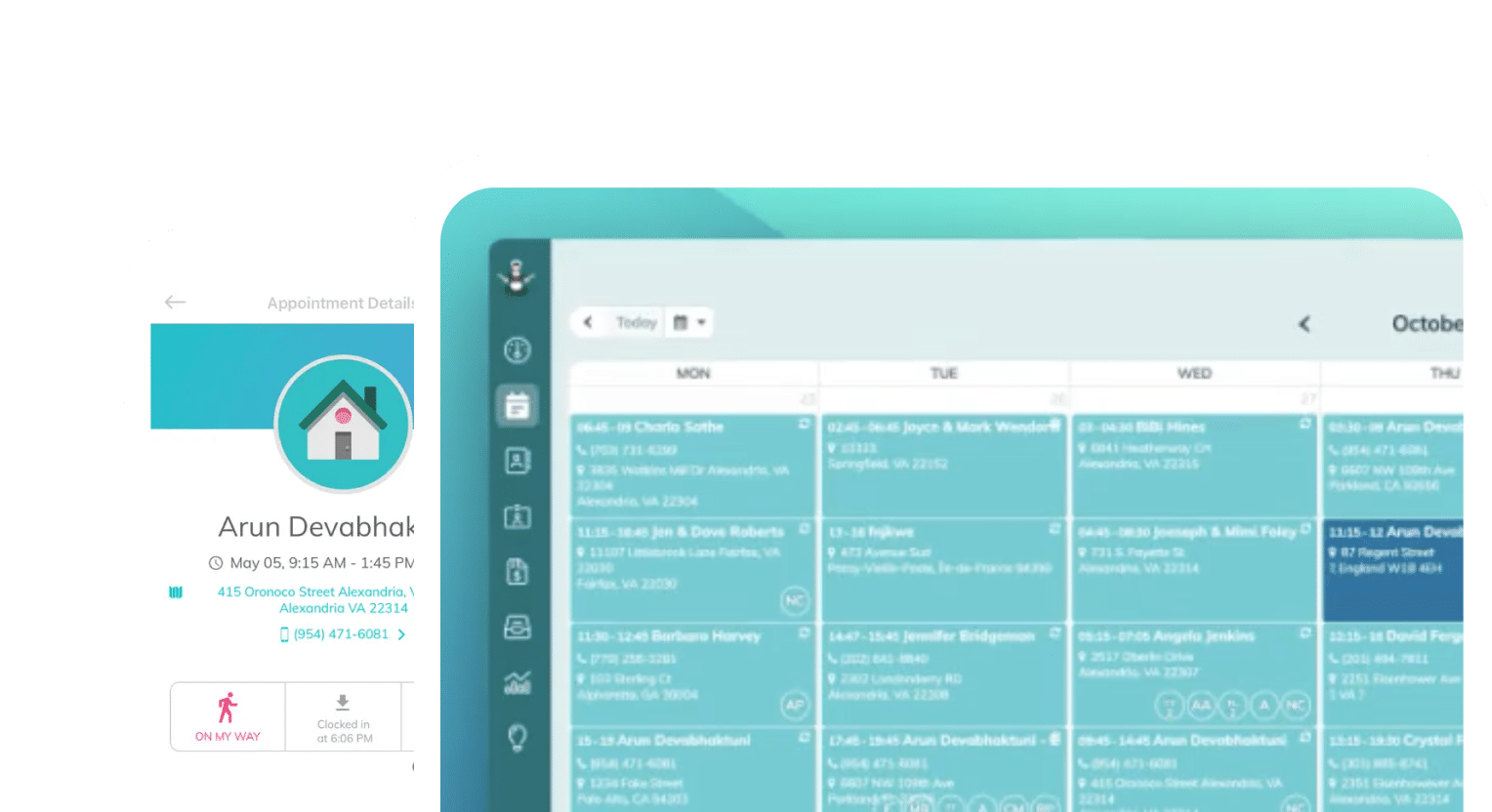
- ZenMaid: scheduling, online booking, routes, GPS clock-in and field operations — the core her team runs on every day
- Paper checklists: the same quality standard on every job, no matter who’s cleaning
Sales and client experience
- ZenMaid: lead capture and instant booking so no inquiry goes cold
- ClickUp: CRM and task management
- Quo (OpenPhone): client calls and texts in one shared inbox the office can all see
- SignRequest: client agreements and e-signatures
- Mailchimp: email marketing
- The Gift Card Cafe: digital gift cards
Team
- Indeed: finding and communicating with applicants
- Trainual: documented SOPs and new-hire onboarding
- Loom: quick video walkthroughs for training
- Slack: day-to-day team communication
- Gusto: payroll and HR
- Guideline: a team 401(k) that plugs into payroll
Finance and knowledge
- QuickBooks: bookkeeping and invoicing
- ClickUp: dashboards and reporting that turn numbers into decisions
- Google Drive: shared files and spreadsheets — part of what Stephanie calls the “company brain,” alongside Trainual and Loom
The Part You Can Steal Today
You don’t need all 14 tools, especially if you don’t see the exact need in your own business. What we hope this guide achieves by sharing Stephanie’s backend is that you can potentially borrow from it.
Further, take a page right out of Stephanie’s book — before something earns a spot in her stack, it has to answer three questions:
- Why do I need it: what specific job does this tool do that nothing else already handles?
- Who uses it most: if no one on the team actually owns it, it’s dead weight
- Why this over the alternatives: what makes it the right pick, not just the first pick
Run your current software through those three questions. You’ll almost always find one tool you’re paying for that fails all three, so cutting it is the easiest money you’ll make this month.
Where to Start if You’re Building From Scratch
If your stack feels like chaos right now, don’t try to fix everything at once. Start with the one tool your whole team touches every single day: your scheduler. It’s the hub the rest of your systems connect to, so getting it right first gives everything else something solid to build around.
For Serene Clean, that hub has been ZenMaid since day one. If you want to see how it works as the operations core of a growing cleaning business, you can try ZenMaid free.