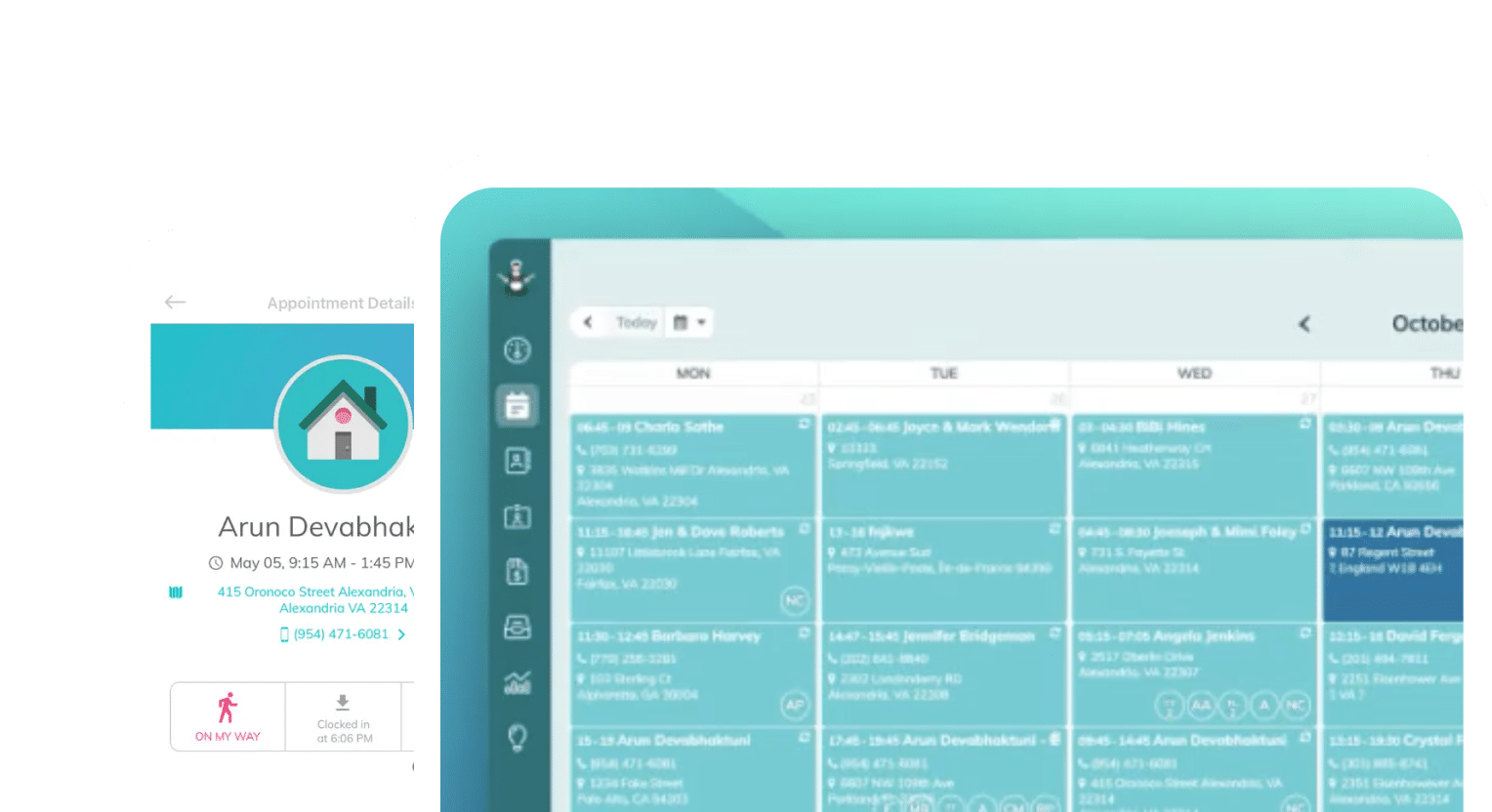
Frustrated with your scheduling? Try the easiest-to-use calendar app, made by and for maid service owners.

We talk a lot about how recurring clients are the financial backbone of most residential cleaning businesses. The more recurring clients you have, the more trackable your growth rate is.
Retaining these clients — those whose house you clean every two weeks for three years — is where your profit actually lives in the cleaning business. But equally as important as your recurring clients are the semi-regular clients you have a good chance of converting.
Either way, keeping a client you already have costs a fraction of what it takes to win a new one. Aside from maintaining your recurring client base, it’s easier to convert clients you service once or twice a year into weekly cleaning appointments.
Email marketing (and its close cousin, SMS) keeps these clients coming back. Sending the right email at the right time keeps you at the top of your clients’ minds between visits and reminds clients who drift away that you’re still in their corner.
This guide walks through four email plays that every cleaning business owner should be running. These include automated and personalized campaigns, loyalty programs, referral automation, and review and testimonial management — and we’ll share some templates we know convert for each example.
Table of contents
- Why Email is So Effective for Cleaning Businesses
- Play 1: Automated and Personalized Email Campaigns
- Play 2: Loyalty Programs That Reward Recurring Clients
- Play 3: Referral Automation That Turns Happy Clients Into Your Sales Team
- Play 4: Managing Reviews and Testimonials
- Putting It All Together: Your Automated Retention Engine
Why Email is So Effective for Cleaning Businesses
The biggest challenge when starting an email marketing project is getting a list of email addresses together. Many businesses have to spend time building that list first, either by advertising a newsletter or buying lists.
But in the cleaning business, you already have a list of customers who’ve given you their email addresses — and paid you money. You have a whole audience you already earned. You just need to talk to them!
Email works especially well in this industry for three reasons:
- Your service is recurring by nature: You build relationships with your clients on a bi-weekly cleaning plan. Email is how you maintain the relationship over the 13 days you’re not in their home
- Trust is everything: People already let you into their houses. Build that trust with consistent, professional communication via email. Confirmations, reminders, follow-ups are signals you’re organized and reliable
- Automations run in the background: Software provides the system that triggers the right message at the right moment (after a clean, before a lapse, on a work anniversary). Once you set these up, your marketing keeps working while you run the business
The most important thing you can do when starting an email marketing campaign is find a software that supports your plans. Finding that right time to send a message is something you’re better off doing with automations instead of calendars and memory.
Play 1: Automated and Personalized Email Campaigns
Email is not something you send on a whim, or when it “feels right” or you “get around to it.” When you’re busy cleaning and building schedules, sending a punchy email to a handful of clients will be the first thing you drop from your to-do list.
Instead, set up a handful of triggered emails once, and let them run for you. Let’s dive into some examples of helpful automated emails and the triggers that send them.
The core automated sequence
Every cleaning business should communicate well about appointments. Your first move when building email automations should be to get these five messages firing automatically:
- Booking confirmation: Send these the moment a client books, so they feel taken care of immediately. Let them know you got their email and will be in touch soon.
- Appointment reminder: Send these 24–48 hours before the cleaning to cut no-shows and lock-outs dramatically.
- “On my way” notice: Send these the morning of the clean, so nobody’s surprised when the doorbell rings.
- Post-clean follow-up: Send these a day or two after an appointment to confirm your client was happy and ask for feedback or a review.
- Win-back / “comeback” email: Set these to send automatically when a client hasn’t booked an appointment. You can set these by timeframe, such as 30 days after an appointment, or to remind canceled clients to re-book.
In ZenMaid, most of these already exist as editable templates you can automate:
| # | Template | Trigger | SMS | |
| 1 | Booking Confirmation | Booking form submitted | ✓ | — |
| 2 | Appointment Confirmation | Appointment created | ✓ | ✓ |
| 3 | Appointment Reminder | Day before service | ✓ | ✓ |
| 4 | Secondary Reminder | Morning of service | ✓ | ✓ |
| 5 | OMW Text | Team departs for job | — | ✓ |
| 6 | Cleaning Complete | Job marked done | — | ✓ |
| 7 | Service Rating | Same day, post-service | ✓ | ✓ |
| 8 | Appointment Follow-Up | 2–4 days post-service | ✓ | — |
| 9 | Invoice Notification | Invoice generated | ✓ | ✓ |
| 10 | Cancellation Notice | Appointment cancelled | ✓ | ✓ |
| 11 | Come Back | X weeks since last visit | ✓ | — |
Click any of the templates to start editing them, just like you would in a Word document. Edit them to match your brand voice and set up personalizations that make your clients feel like you’re talking to them directly.
Personalize emails in a way that actually matters
“Personalizing” templates is much more straightforward than buying fancy software. You are likely already collecting the details you need: your client’s first name, their cleaner’s name, the date of their next visit, whether they have pets. Storing this in a CRM like ZenMaid makes each of these personal details available to pull into email templates with dynamic variables.
Dynamic variables are merge fields that pull real data from your CRM into the message. This is what turns one template into a message that reads like it was written just for that client.
Since your details and your automation tools both live in ZenMaid, setting everything up is super simple. Take a look at our list of template variables and give it a try!
Using dynamic variables to personalize templates
Here’s an example of a post-clean follow-up that you can automate to send one day after the appointment:
Subject: How did we do today, {{first_name}}?
Hi {{first_name}},
{{cleaner_name}} just wrapped up your clean today — we hope your home feels fresh and ready to enjoy.
If anything wasn’t quite right, just reply to this email, and we’ll make it right, no questions asked. Your next visit is scheduled for {{next_appointment_date}}.
Thanks for trusting us with your home.
— The {{company_name}} Team
This converts because it’s short, it uses the client’s and cleaner’s names, it reassures them with a no-hassle guarantee, and it reminds them of their next appointment at a time when they can still safely reschedule, if needed. This is the clear, structured communication that confirms to clients they’ve made the right decision to trust you.
Another use of dynamic variables makes sending win-back emails easy. Automate these to trigger after 30–45 days of no booking:
Subject: We’ve missed your home, {{first_name}} 🏡
Hi {{first_name}},
It’s been a few weeks since your last clean with us, and we wanted to check in. Life gets busy — if you’d like to get back on the schedule, we’ve saved your preferences and can pick up right where we left off.
Book your next clean here: {{booking_link}}
As a welcome back, mention this email, and we’ll take $20 off your next visit.
— {{company_name}}
This check-in email will catch revenue you may otherwise lose. You already have a relationship with them, which lowers their barrier to booking because you know their preferences already. The incentive to act now tells them you value their business, and gives them a nudge to make another appointment.
Play 2: Loyalty Programs That Reward Recurring Clients
The clients you’ve kept the longest are often your most valuable clients. They know you, they’ve trusted you from the beginning, and they can be trusted to give you clear feedback when needed.
They’ve been loyal, and this is why you should reward them. You may think long-term clients are ones you’ve got in the bag — but you don’t want to take them for granted. Loyalty programs acknowledge this commitment with discounts, free services, and other perks you can get creative with over time.
It’s fairly simple to develop a program like this using tools you already have, especially if you’re using ZenMaid. Effective loyalty rewards can be marketed and delivered via email. Here are some ideas for what to reward:
- Milestone rewards: Celebrate clients’ 10th, 25th, or 50th cleaning with free add-ons, like cleaning the inside of their fridge or oven, or another service not included with their typical package
- Anniversary perks: Provide a discount or small gift to your clients when they hit the one-year mark. Partnering with other local businesses might be a fun way to make this gift meaningful
- Tier upgrades: Offer long-standing clients the first pick of premium time slots or priority rescheduling, something that makes them feel special
Figuring out the reward mechanics for your business will be easy to pull from your client history. Your scheduling software already knows how many times each client has booked and when they started. Trigger the reward email based on that milestone.
Here’s a template for celebrating loyalty milestones:
Subject: Your 25th clean is on us (well, part of it) 🎉
Hi {{first_name}},
We just realized something: {{cleaner_name}} is about to clean your home for the 25th time. That’s a lot of trust, and we don’t take it lightly.
To say thank you, your next visit on {{next_appointment_date}} includes a free interior oven cleaning — no charge, no catch.
Here’s to the next 25!
— The {{company_name}} Team
Or when a client’s anniversary comes up, send them this:
Subject: One year of sparkling floors, {{first_name}} ✨
Hi {{first_name}},
A year ago this week, you booked your very first clean with us. Thank you for letting us into your home ever since.
To celebrate, we’d love to give you 10% off your next clean. It’s already applied to your account — just book as usual.
Here’s to year two! — {{company_name}}
Each of these examples makes the client feel seen. They reward the exact behavior you want (their loyalty), and rewarding it (a free add-on) costs you very little relative to the lifetime value of keeping that client for another year. Remember, it’s cheaper to keep a client you already have than find a new one!
Play 3: Referral Automation That Turns Happy Clients Into Your Sales Team
Referrals are the highest-quality leads a cleaning business can get. A friend of a client already knows you, may already live nearby, and is more likely to book a recurring service. But too many cleaning business owners rely on referrals happening by accident for this to be a big business.
Automation turns this on its head. Ask clients to refer others to you, especially after they leave a great service rating, a glowing reply to a follow-up email, or hit a milestone you rewarded. This is when their goodwill is highest, and you’re more likely to succeed.
Another tactic is to reward both sides of the referral. Give the referrer and the new client something. “$25 off for you, $25 off for them” outperforms one-sided offers because it lets your client feel generous.
Here’s another example of a referral email that will make everyone happy:
Subject: Know someone whose home deserves this, {{first_name}}?
Hi {{first_name}},
We’re so glad you loved your last clean — thank you for the kind rating! 💛
If you know a friend, neighbor, or coworker who could use a little more free time, we’d love to help them too. Here’s the deal:
- They get $25 off their first clean
- You get $25 off your next one, the moment they book
Just forward this email or share your link: {{referral_link}}
Thank you for spreading the word.
— The {{company_name}} Team
Set this to trigger automatically off your feedback flow, and it becomes a referral machine that runs without you lifting a finger.
Play 4: Managing Reviews and Testimonials
Online reviews are the modern word-of-mouth marketing tool. Most often, new clients are finding you through Google these days, and will look at all of the reviews you’ve racked up before they ever book.
You can use these reviews to influence your new business prospects in three ways:
- Collecting feedback privately first
- Routing the happy clients to public review sites
- Putting those testimonials to work
Catch feedback before it goes public
The most honest way to influence feedback is to automatically request a rating after every appointment. This does two things: it surfaces an unhappy client privately so you can fix the problem before they vent on Google, and it identifies your delighted clients so you can invite them to review publicly.
ZenMaid’s Service Ratings feature is built for exactly this. You can automatically send a rating request by email or SMS after an appointment (schedulable up to seven days out), then view and analyze the ratings in one place.
Catching a lukewarm rating early lets you make it right; catching a five-star rating lets you ask for a public review while the client’s still glowing.
Route the happy clients to public reviews
Once your initial Service Rating email is sent, you can divide the happy clients from the unhappy ones. Here’s a template requesting reviews from clients who left a four- or five-star rating:
Subject: Would you share that with one more person, {{first_name}}?
Hi {{first_name}},
Thank you for the wonderful rating after your last clean — it means the world to our team.
Would you take 60 seconds to share your experience on Google? It helps other local families find a cleaning service they can trust (and it makes our cleaners’ day).
Leave a quick review here: {{google_review_link}}
With gratitude,
The {{company_name}} Team
This converts happy clients into positive reviews that get you more business. You’re only asking people you already know are happy; you make it fast and specific when you ask them to review on Google with a direct link.
Make your testimonials work for you
Don’t let great reviews sit on one platform. Pull your best ones into:
- Your booking page and website, near the “Get a Quote” button
- Your email footers, as a rotating one-line testimonial
- Your win-back and referral emails, as social proof (“Here’s what {{client}} said…”)
A testimonial from a real client does more to convert a nervous first-time buyer than any claim you could make about yourself.
Putting It All Together: Your Automated Retention Engine
You don’t have to build all four plays at once. Here’s an easily achievable order of operations:
- Week 1: Turn on the core automated sequence. Send confirmation, reminder, on-my-way, and post-clean follow-up emails only. See if this reduces no-shows and lifts satisfaction before proceeding
- Week 2: Add the automated Service Rating request after every clean, and route happy clients to a public review request. Count how many reviews come in!
- Week 3: Switch on the win-back/comeback email so you stop losing lapsed clients. Track re-books to see if it’s working
- Week 4: Layer in referral automations once you get some five-star ratings
After this first month, add loyalty, milestone, and anniversary emails as your client history builds up.
Every one of these can be set up once and left to run. If you’re running your scheduling in software built for cleaning businesses, most of these triggers — automated follow-ups, rating requests, comeback emails, and review asks — are already there as templates waiting to be switched on and made to sound like you.
ZenMaid has all of this and more, like helpful templates that make writing faster and an active community of over 10,000 cleaning business owners that can help you try more new things. Sign up for a free, 14-day trial of ZenMaid and let your calendar do your marketing.